
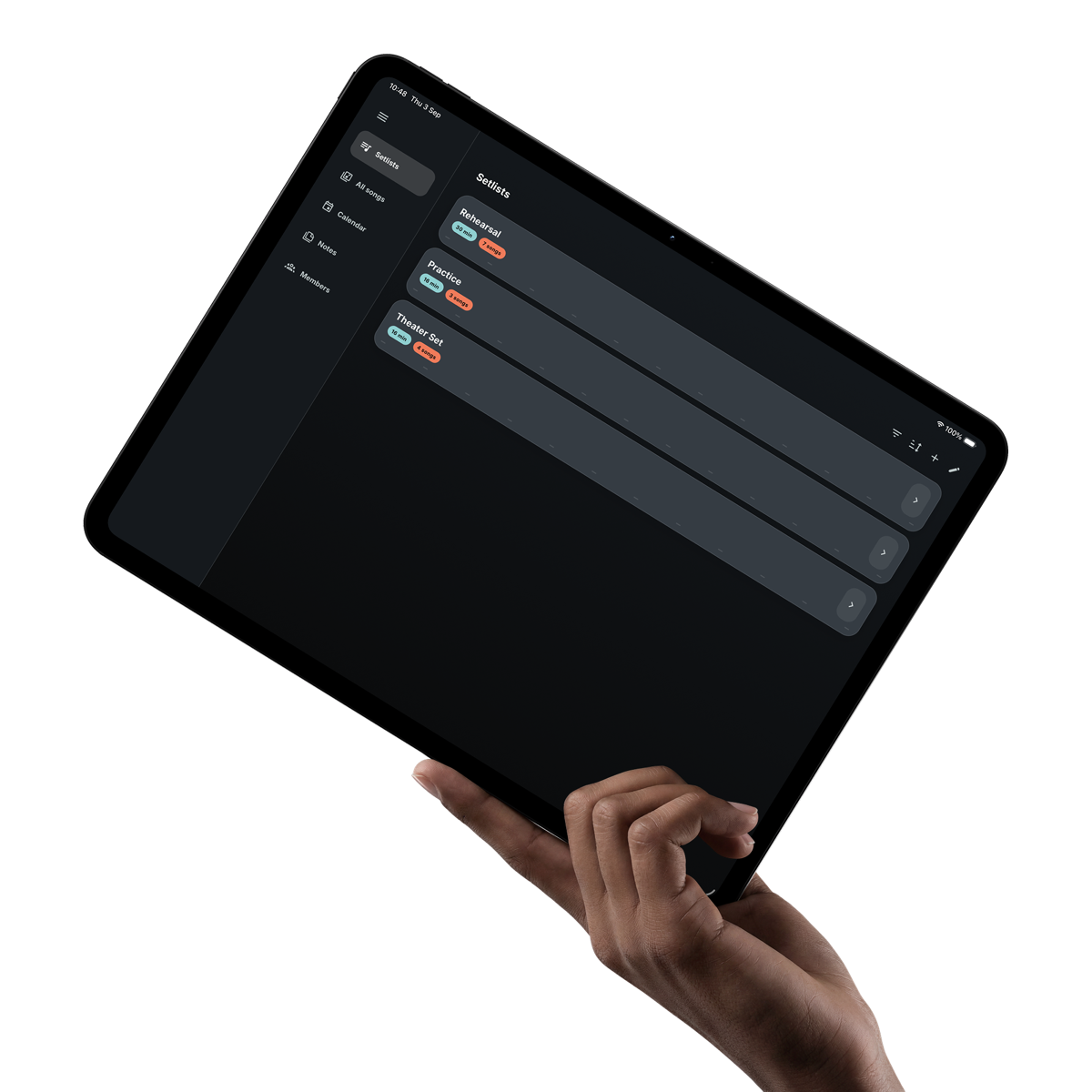
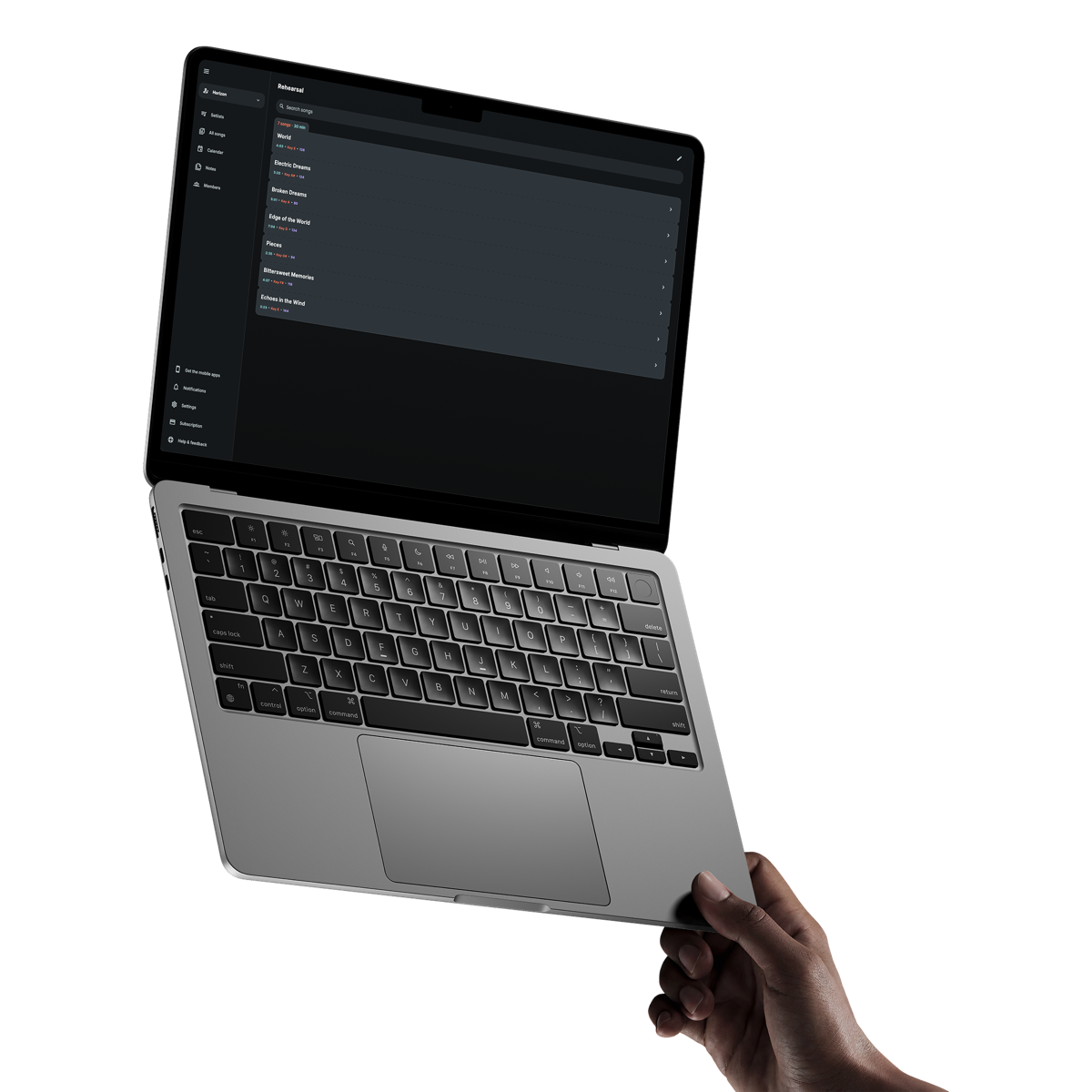
Put every cue in the right line
Combine lyrics, chords, headings, highlights and multi-line arrangement notes such as who starts or takes the next solo.
Lyrics and chords app for musicians
Build each song sheet around the way you play. Keep lyrics, chords and arrangement cues readable, hide what you do not need and move through the set without opening another document.
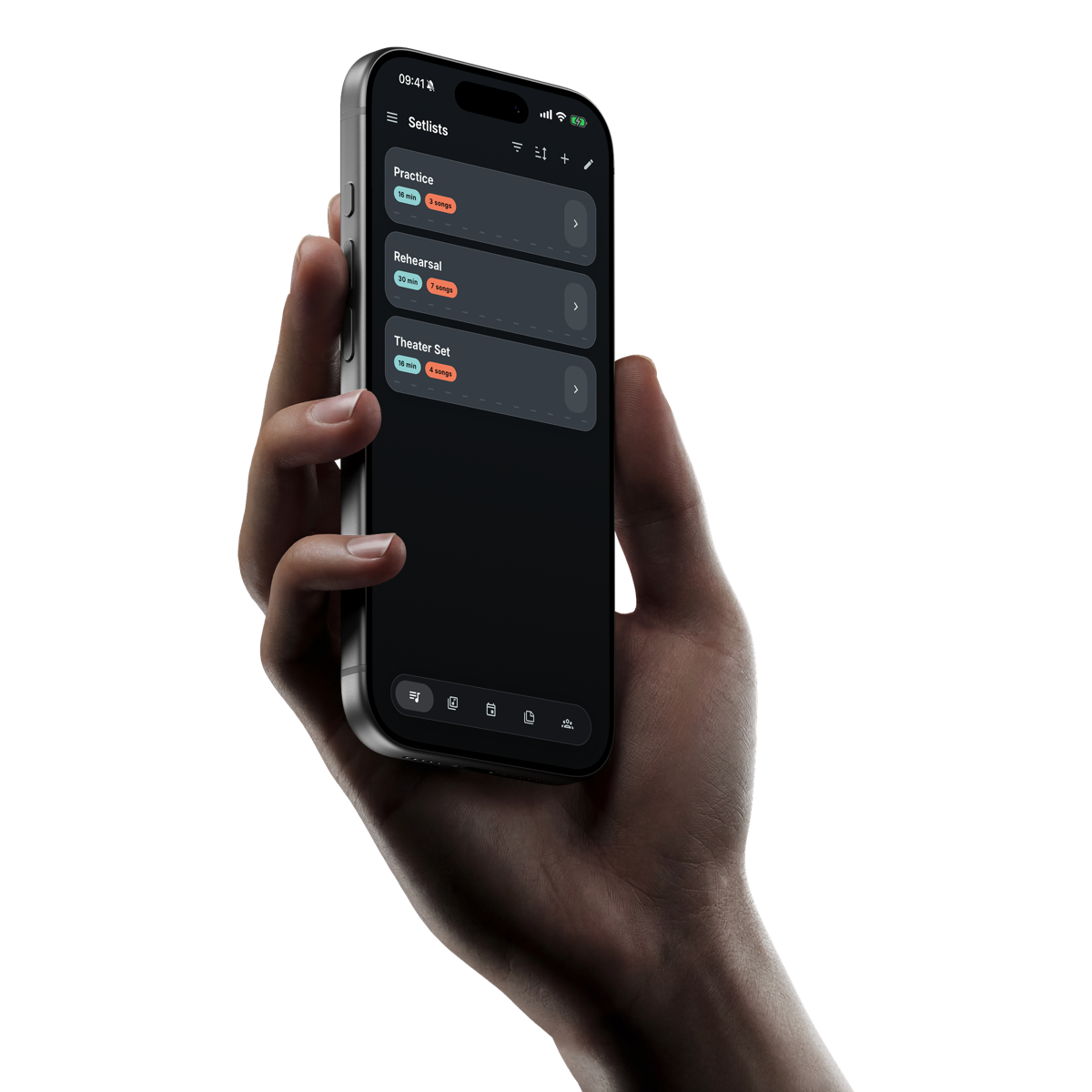
Get it on your phoneAvailable in English, Dutch, German, French and Spanish.
A songbook shaped around you
A singer may want lyrics and one entrance cue. A guitarist may need every chord. Each person can choose the view that helps them most.
Combine lyrics, chords, headings, highlights and multi-line arrangement notes such as who starts or takes the next solo.
Show or hide lyrics, chords and notation tags, then choose the font and size used for each type of information.
Let the song sheet scroll automatically from the saved duration, then pause or adjust it whenever you need control.
From first line to final cue
Prepare the detail around the song, then keep the controls simple while rehearsing or performing.
Arrange lyrics, chords, empty lines and multi-line cues in the order that makes the song clear.
Show or hide lyrics, chords and tags to suit your role, screen and viewing distance.
Save the song duration to support total set timing and give automatic scrolling its pace.
Open the previous or next song while staying inside the running order.
Keep the agreed song data visible for a quick check before rehearsal or while playing.
Add a short reminder to the song or open a richer formatted Note connected to it.
When a song has a backing track, its player appears with the song controls while remaining independent from scrolling.
Clear answers
What musicians usually want to know before getting started.
Yes. A song sheet can contain lyrics, chords and notation tags, and each type can be shown or hidden from the song view.
Yes. Font family and size settings are available for lyrics, chords and notation tags so the sheet can suit the screen and viewing distance.
Yes. Automatic scrolling uses the song duration and remains separate from backing-track playback.
Song information already stored on an iOS or Android device remains available without internet, including its song sheet.