
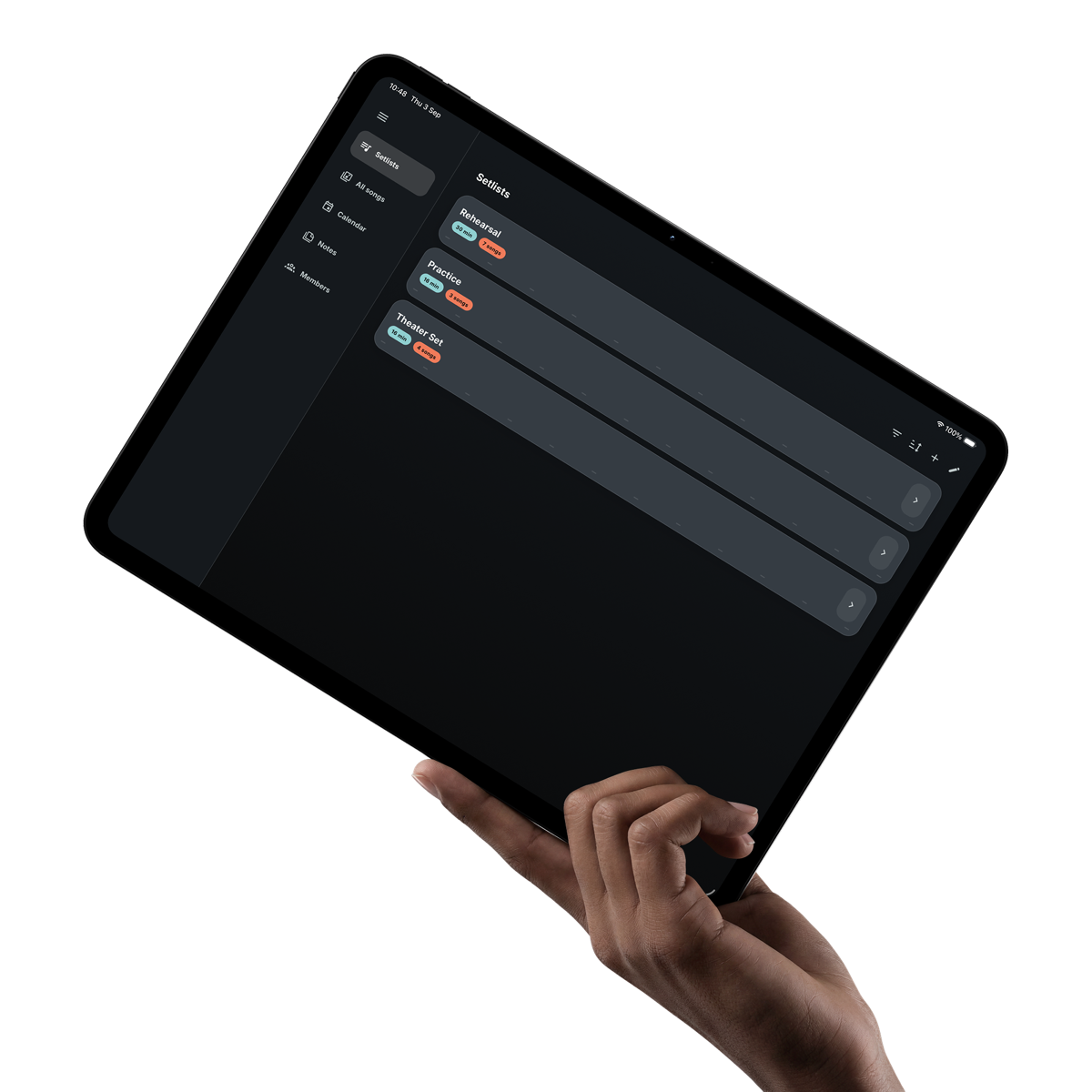
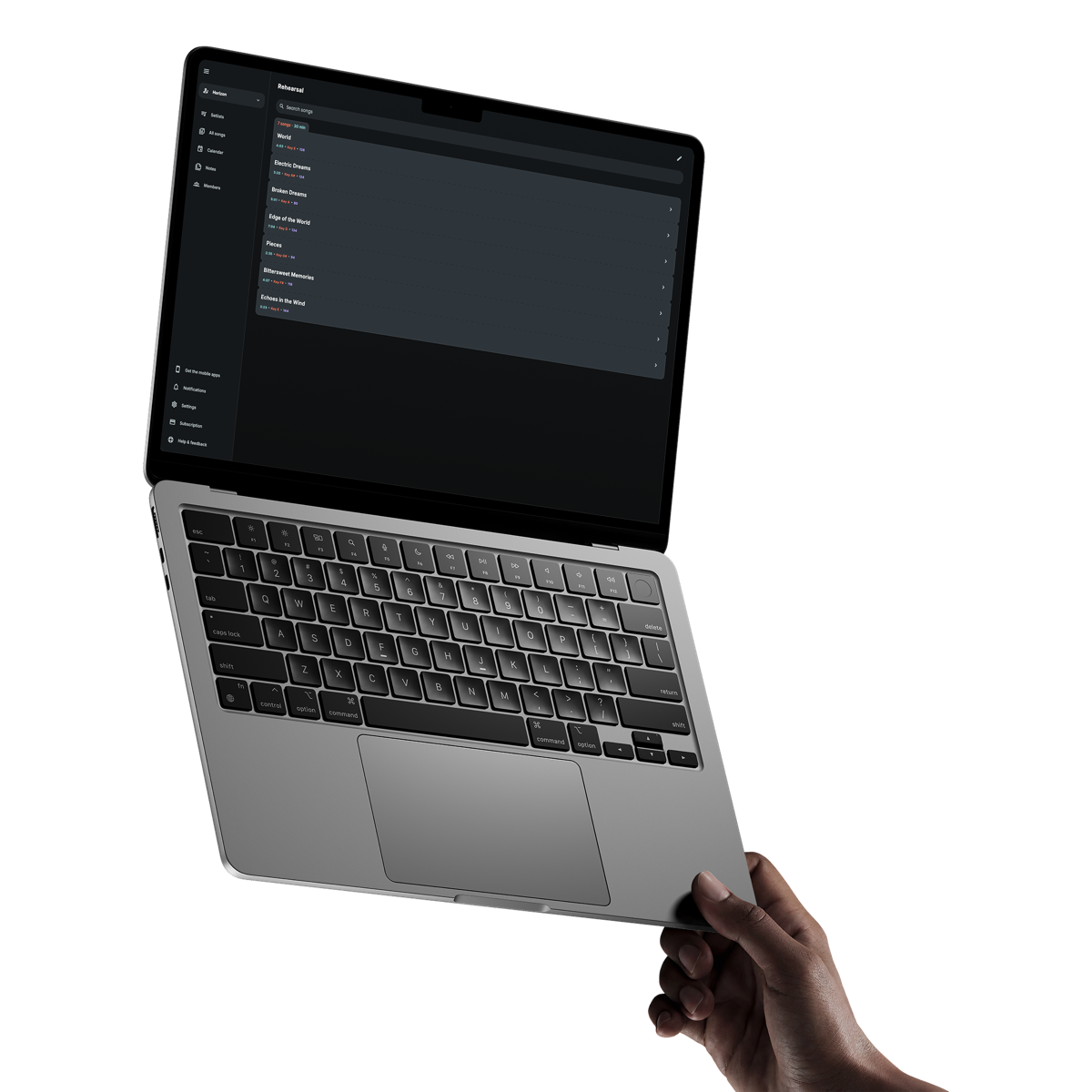
Have the right details before you leave
Keep the time, location, reminders, contact details and useful links with the rehearsal, show or other event.
For gigging musicians
See where to be, when to arrive and what to play from the same clear flow. Band Companion connects the date and its details to the current setlist, every song sheet and the tools you use on stage.
Get it on your phoneAvailable in English, Dutch, German, French and Spanish.
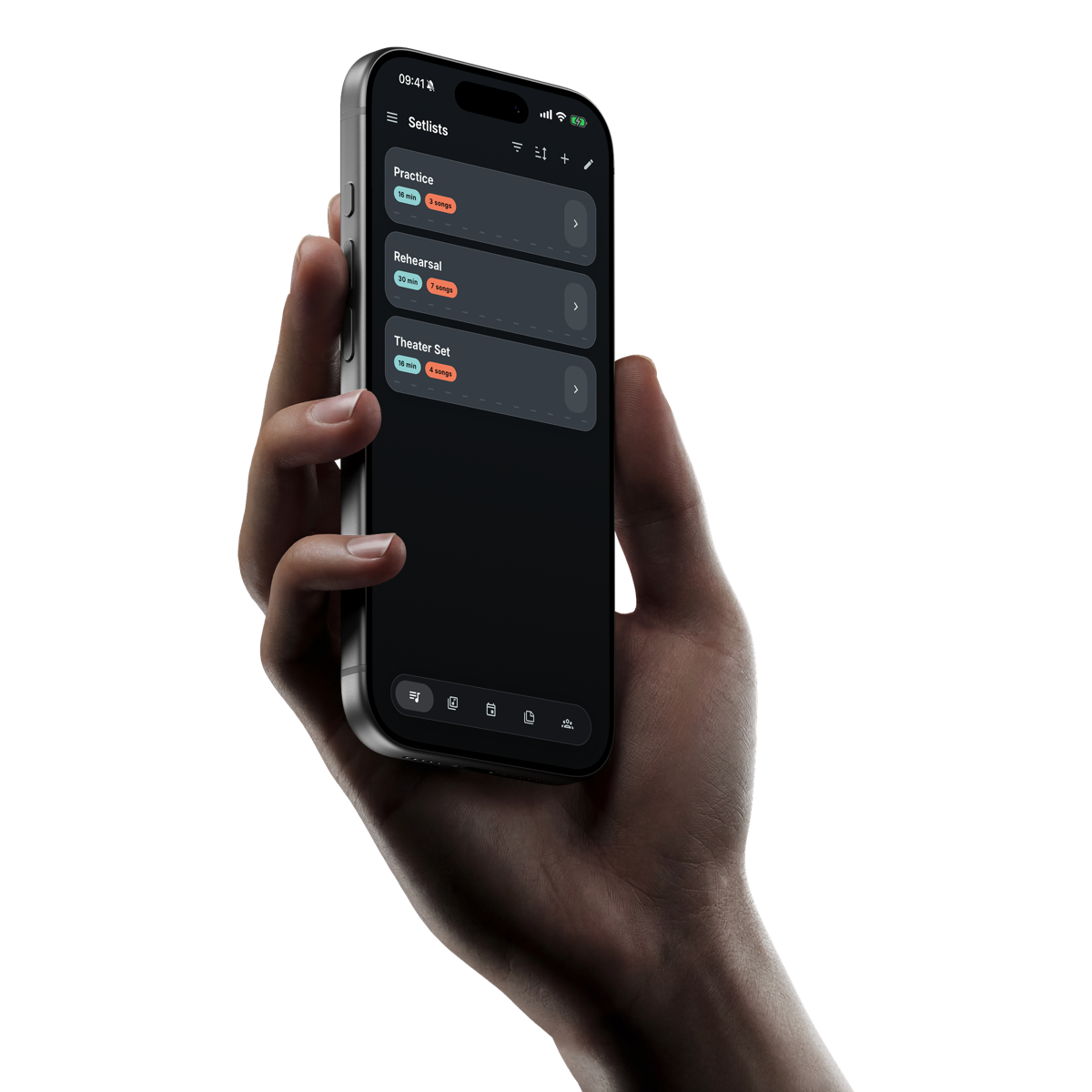
From the date to the final song
Keep the practical information for the performance connected, so you spend less time searching when plans change or the stage is waiting.
Keep the time, location, reminders, contact details and useful links with the rehearsal, show or other event.
Link the current setlist to the event, check its total playing time and keep the running order available to the band.
Open readable song sheets in order, follow arrangement cues and play a backing track from the song that uses it.
A practical path to the stage
The information prepared beforehand becomes the same information you use while playing.
Choose a category, set the local date and time and save the details people will need.
Put the running order directly with the event instead of sending it separately.
Confirm the key, BPM, duration, status, notes and song sheets while there is still time to change them.
With Premium, prepare every available track in the setlist on iOS or Android before leaving a reliable connection.
Update the song, setlist, event or Note once and let Band Companion share the current version.
Songs, setlists, song sheets, events and Notes already on the device remain accessible without internet.
Joined devices follow the leader to the active song, while the group chooses which device plays the backing track.
Clear answers
What musicians usually want to know before getting started.
It connects the calendar event, setlist, songs, song sheets, notes and any backing tracks your set uses.
Yes. Band Companion works on iPad and Android tablets as well as phones, while the Studio web app is useful for preparing information on a larger screen.
Core information already stored on the mobile device remains available, including songs, setlists, song sheets, events and notes. Backing tracks can be prepared separately for persistent offline use with Premium.
Yes. A Live Session lets joined devices follow the active song selected by the leader.