
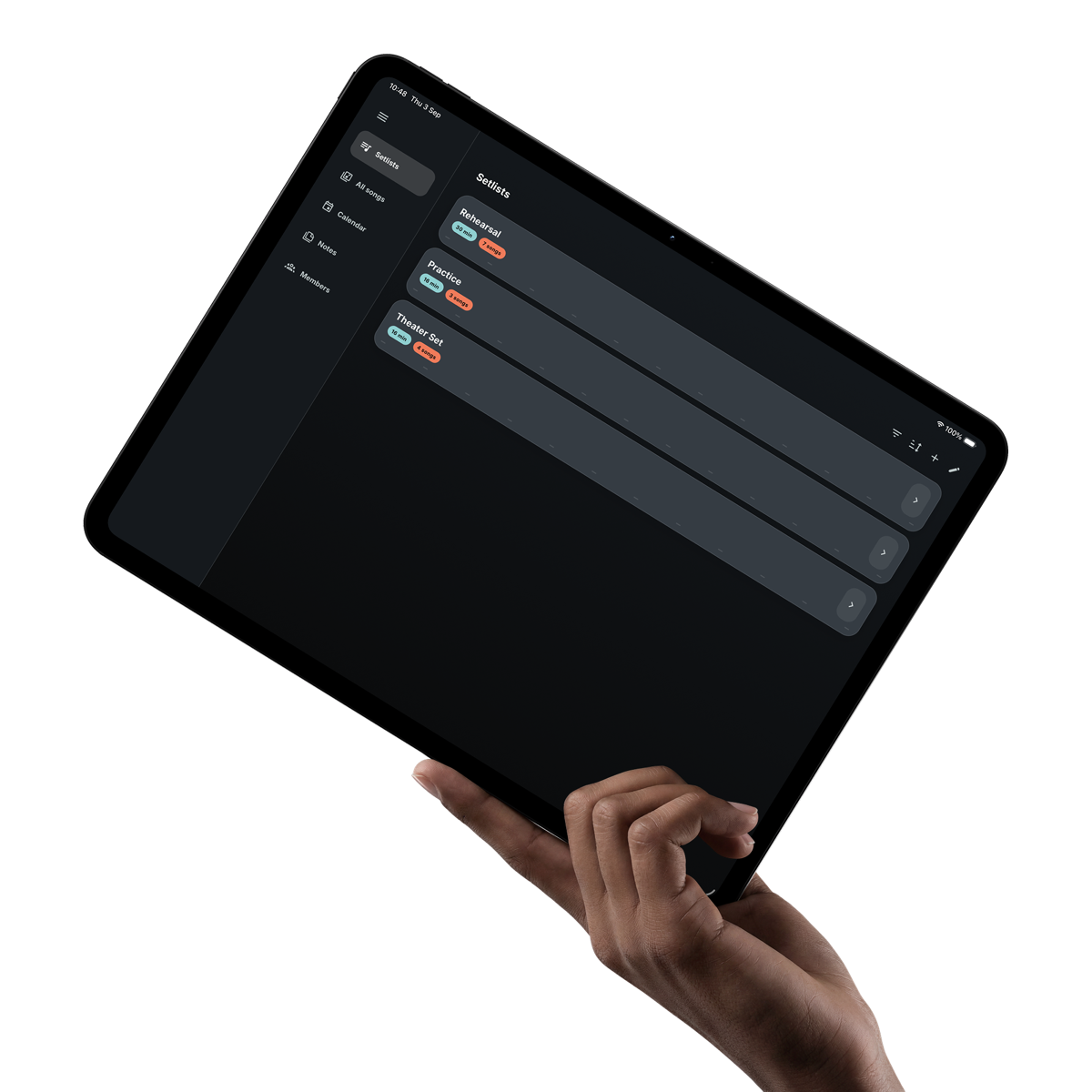
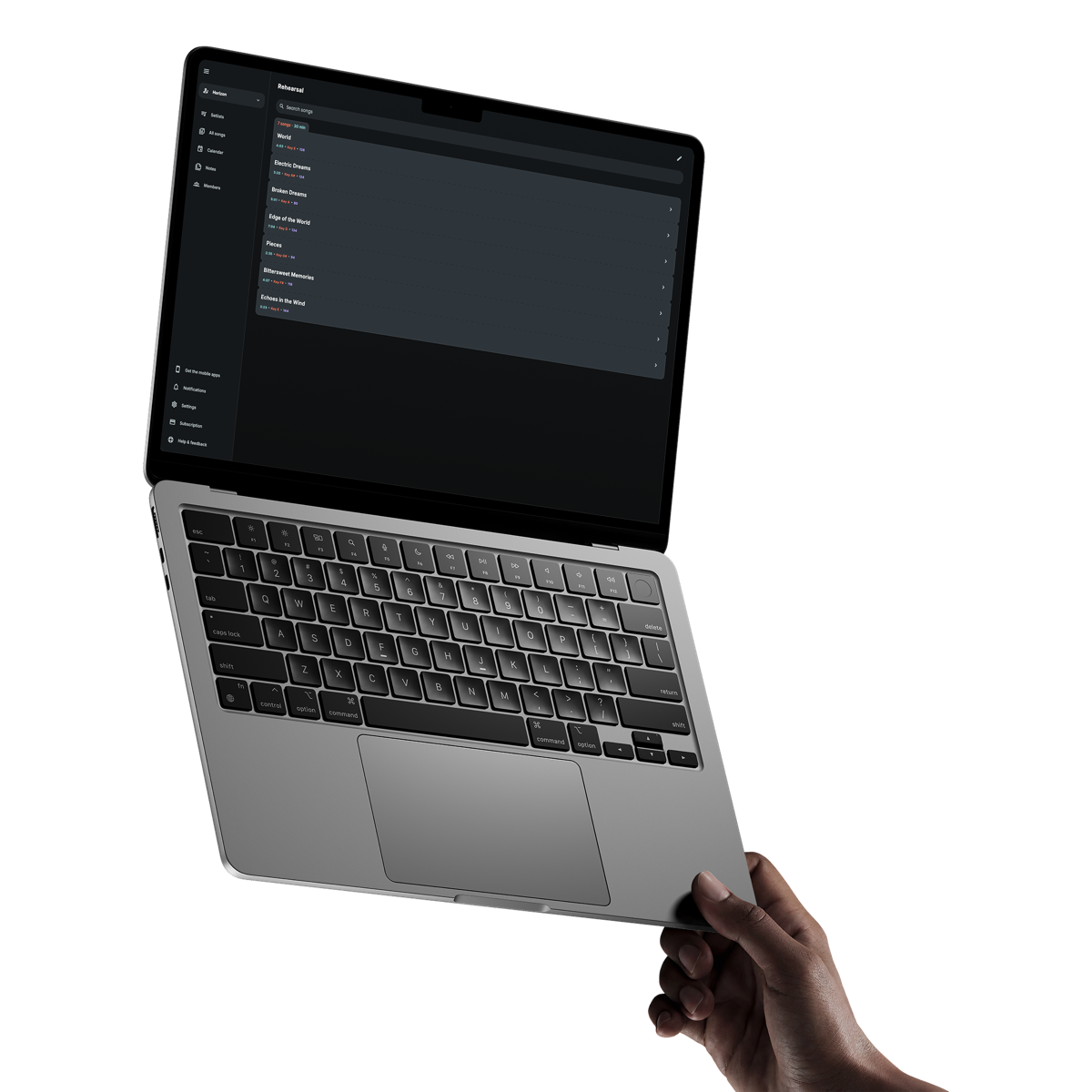
Find the track with the song
Attach your own audio to a song with Premium and open it from the same place as the lyrics, chords and cues.
Backing track player for live performance
Keep your own audio beside the lyrics and chords, ready to play song by song. With Premium on iOS and Android, prepare the tracks in your set before you leave, so the venue connection is one less thing to think about.
Get it on your phoneAvailable in English, Dutch, German, French and Spanish.
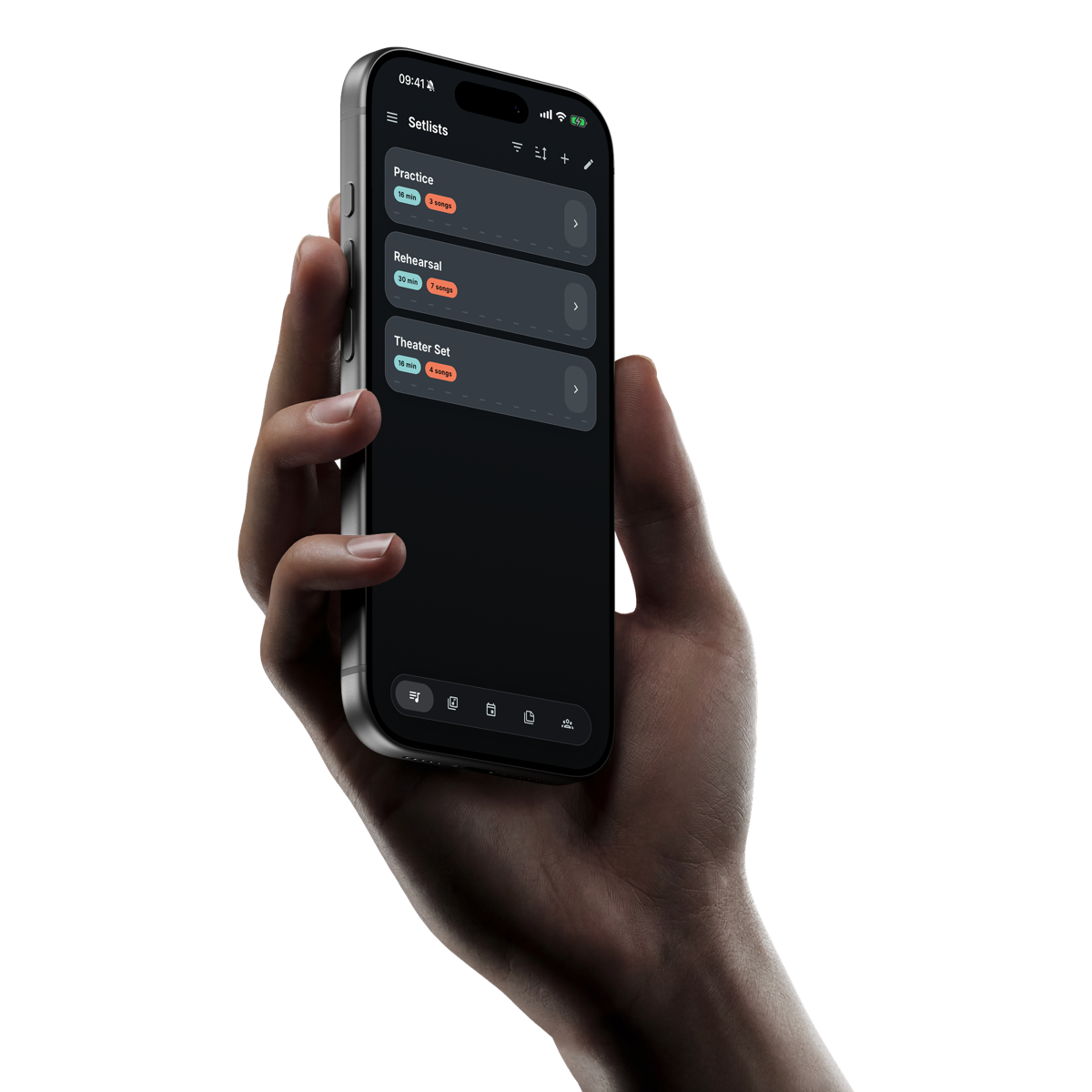
Built around the song
Your track, song sheet and playing details open together, so the audio is where you expect it when the song starts.
Attach your own audio to a song with Premium and open it from the same place as the lyrics, chords and cues.
Drag through the waveform and follow the elapsed time when you need to start or rehearse from a particular moment.
Download every available backing track in a setlist on iOS or Android and keep it there until you remove the prepared set.
A practical playback flow
Band Companion handles downloads and replacements around the song and setlist you already use.
Add a supported audio file to the song so the right band can use it.
The app checks for a current local copy and downloads the track when it is needed.
Use the compact player beside the song sheet to play, pause or move to the moment you need.
Download the available tracks in a setlist before leaving a reliable connection.
Start, pause or seek within each track yourself. The next song does not start until you are ready.
Use Prepare for offline on iOS or Android with Premium. Those downloads stay on the device until you remove them; updated tracks refresh when connected.
In a Premium Live Session, assign audio output to one joined device. Live Sessions need an internet connection.
Clear answers
What musicians usually want to know before getting started.
Band Companion accepts MP3, M4A, AAC and WAV files up to 50 MB. Backing-track uploads are a Premium feature.
Yes. On iOS and Android, Premium members can prepare the available tracks in a setlist for offline playback and keep them downloaded until they remove them.
No. Playback is controlled song by song so the musician decides when a backing track starts, pauses or stops.
No. Backing-track playback and duration-based song-sheet scrolling are separate controls.