
See every adjustment.
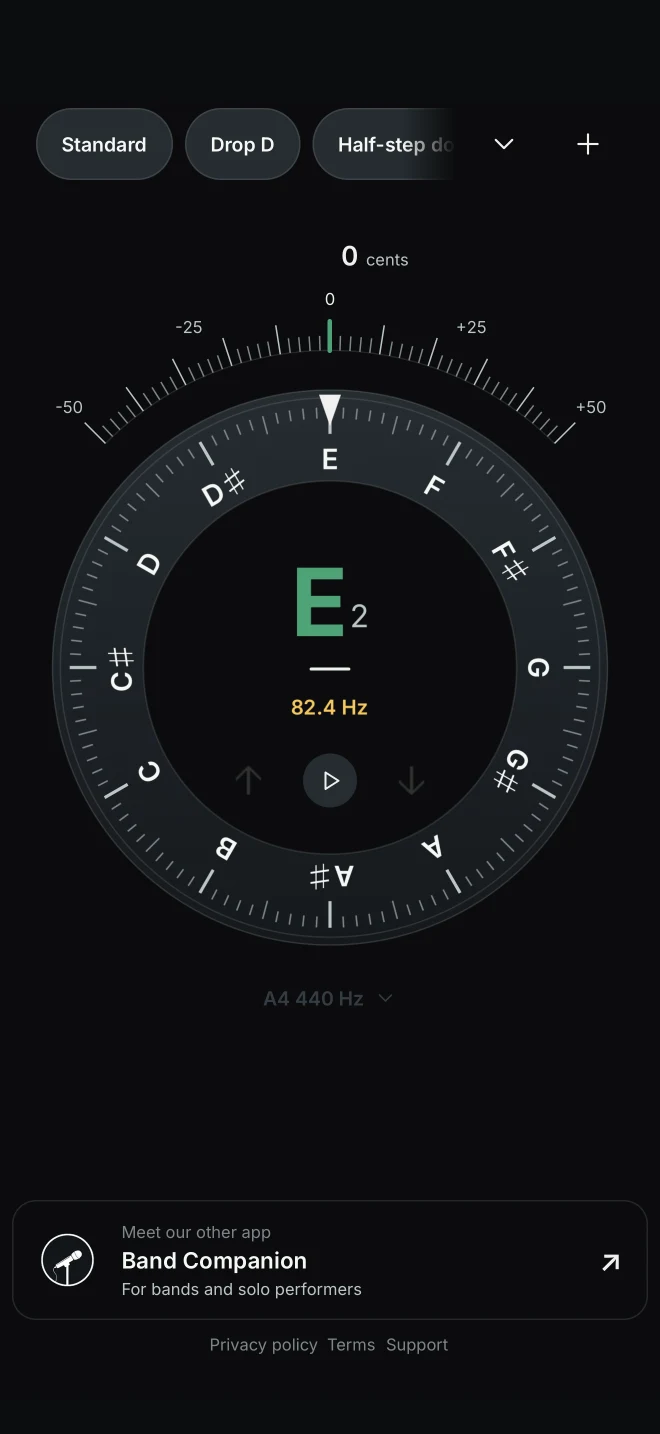
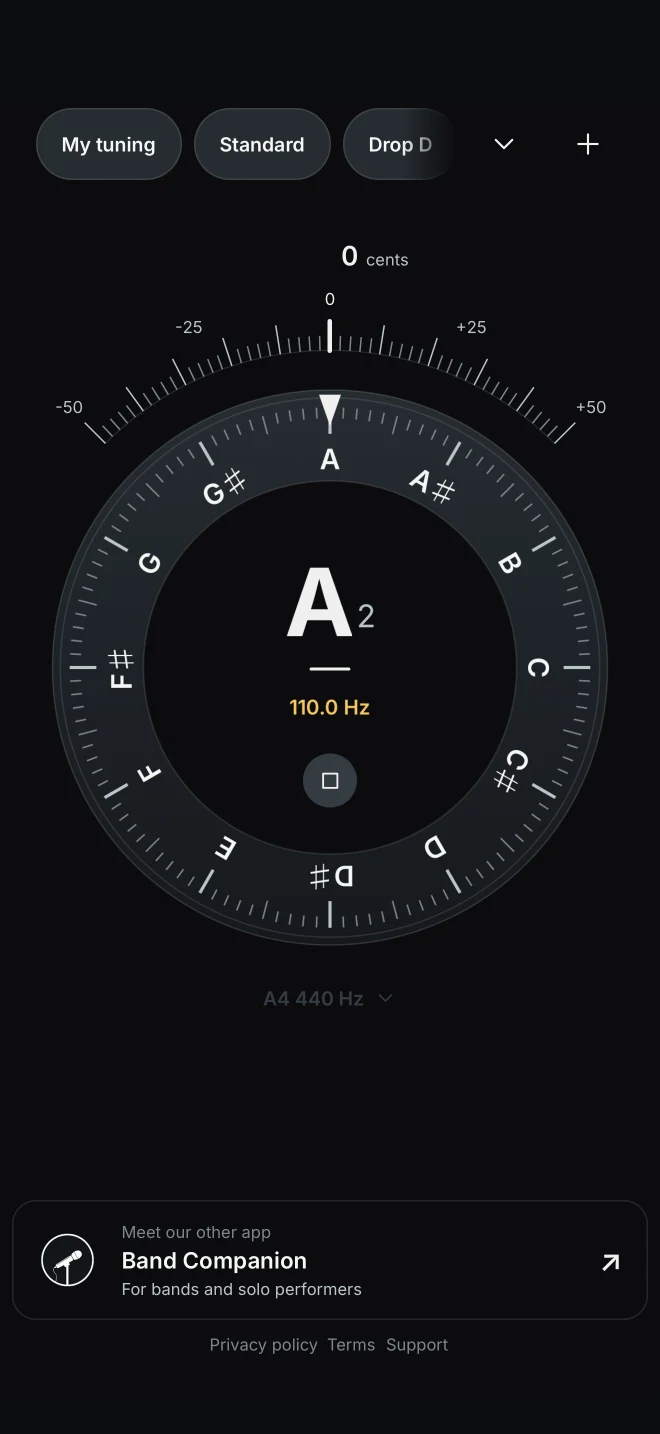
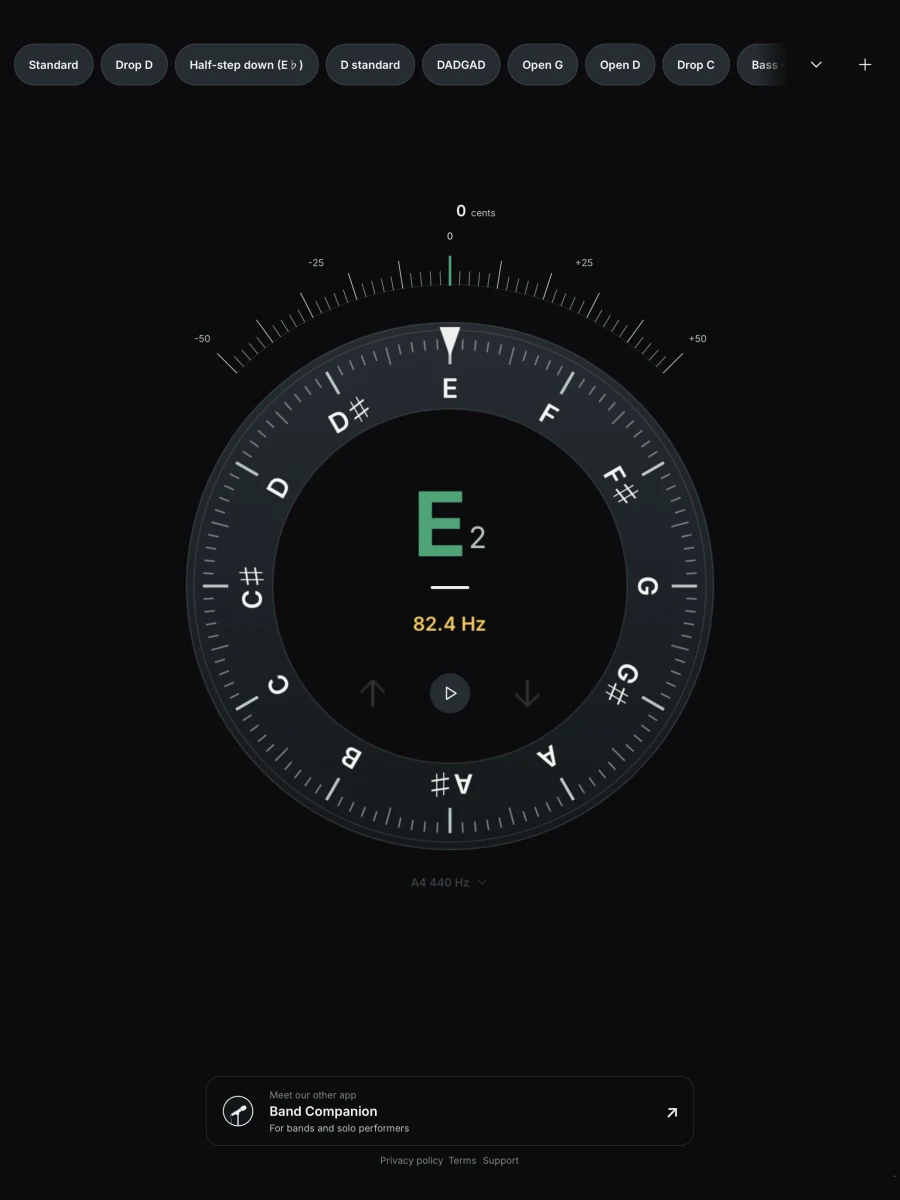
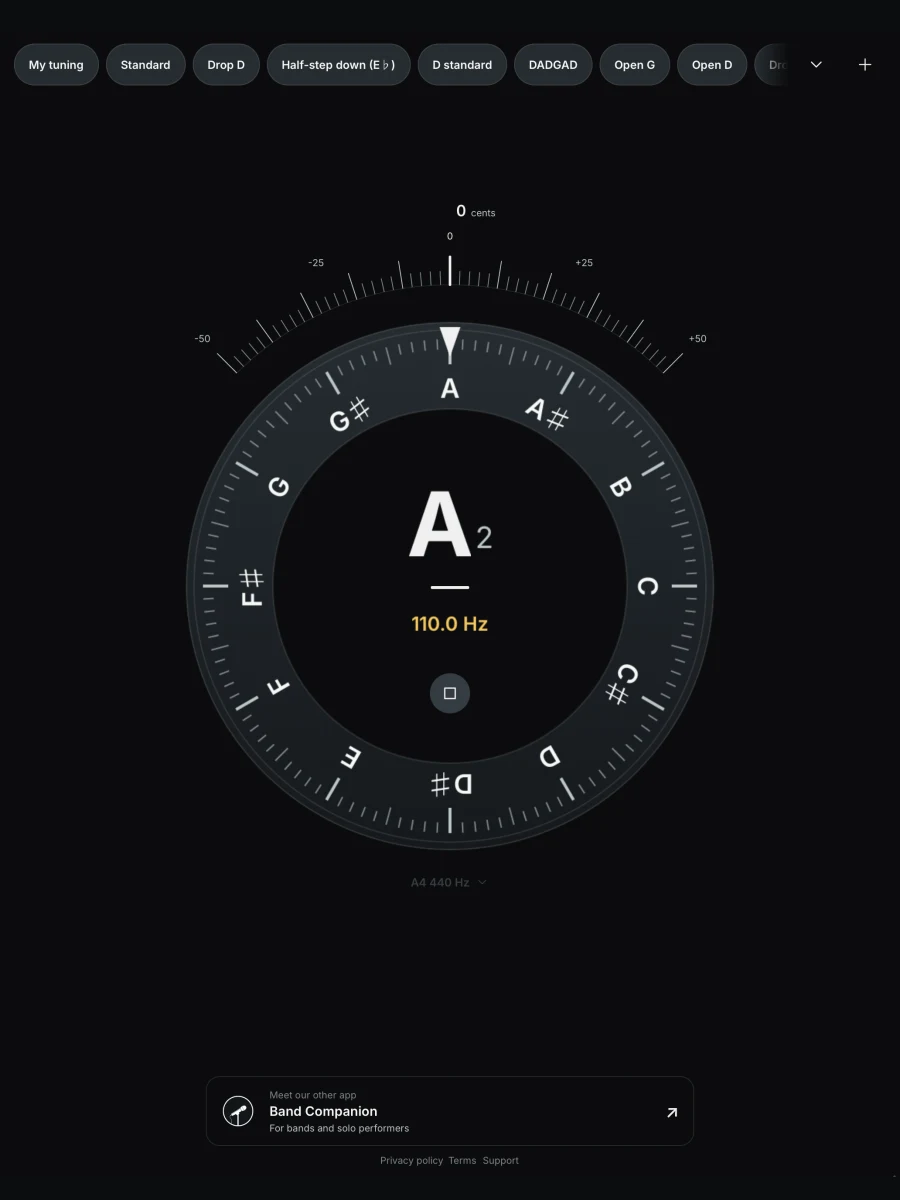
The pitch meter shows whether a note is sharp or flat and how far it is from the target. Follow your adjustments until the note turns green.
Tuner by Band Companion
Tune guitar, bass and other instruments with a clear view of every pitch adjustment. Keep your own tunings ready for the next song.
For iPhone, iPad and Android phones and tablets.
Works offline. No account needed.
Made for musicians
Use it as a guitar tuner, a bass tuner or a pitch check for another instrument. Choose a preset or save the notes your music calls for.
The pitch meter shows whether a note is sharp or flat and how far it is from the target. Follow your adjustments until the note turns green.
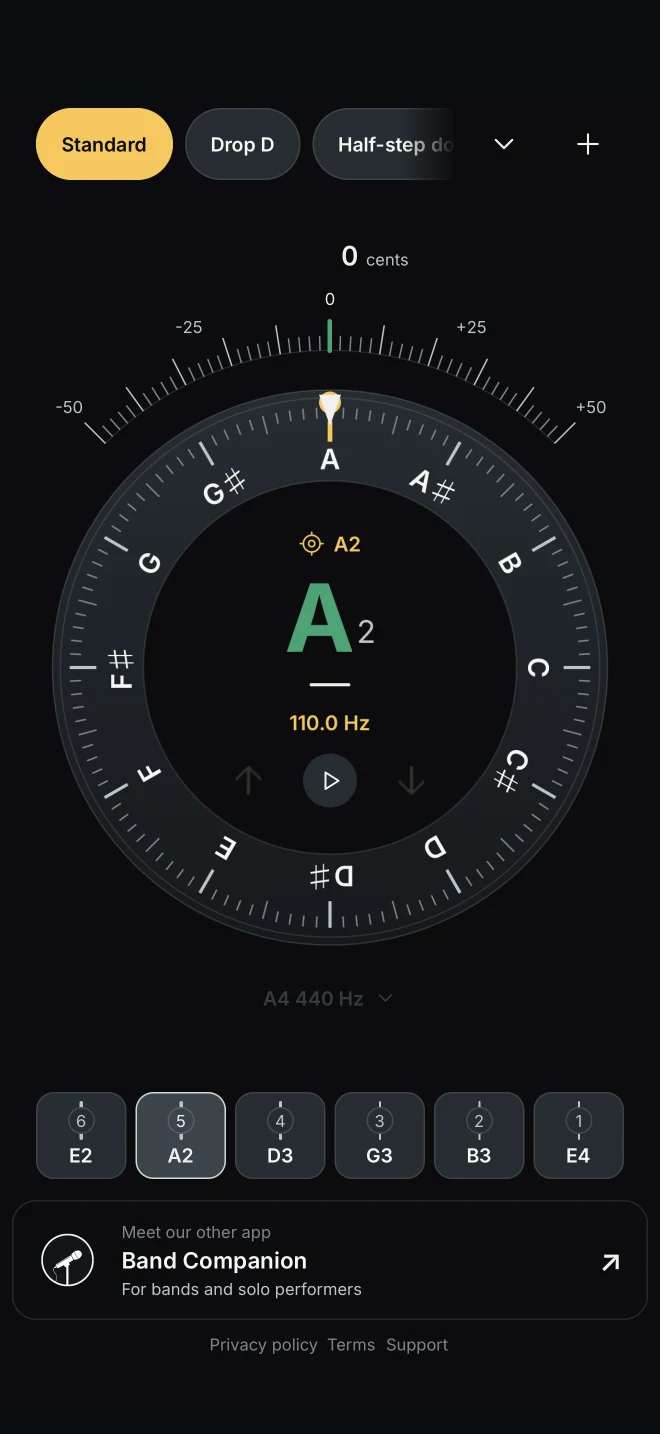
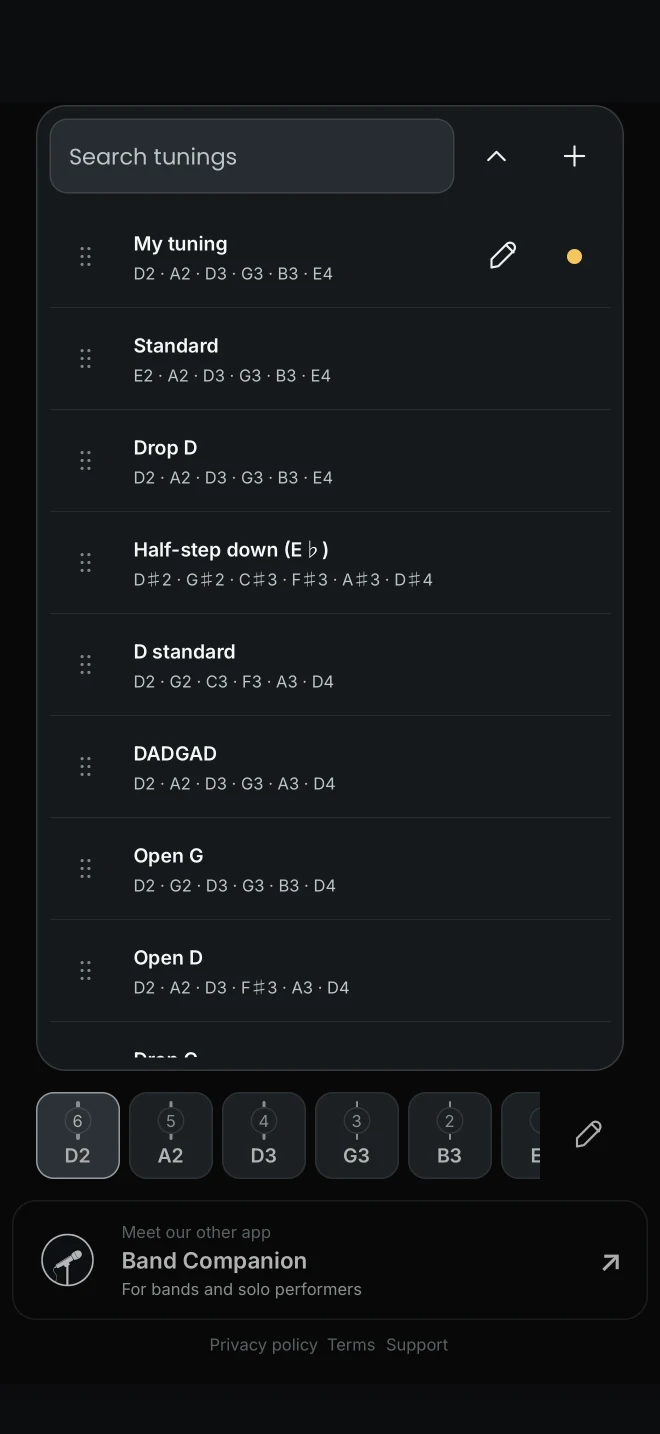
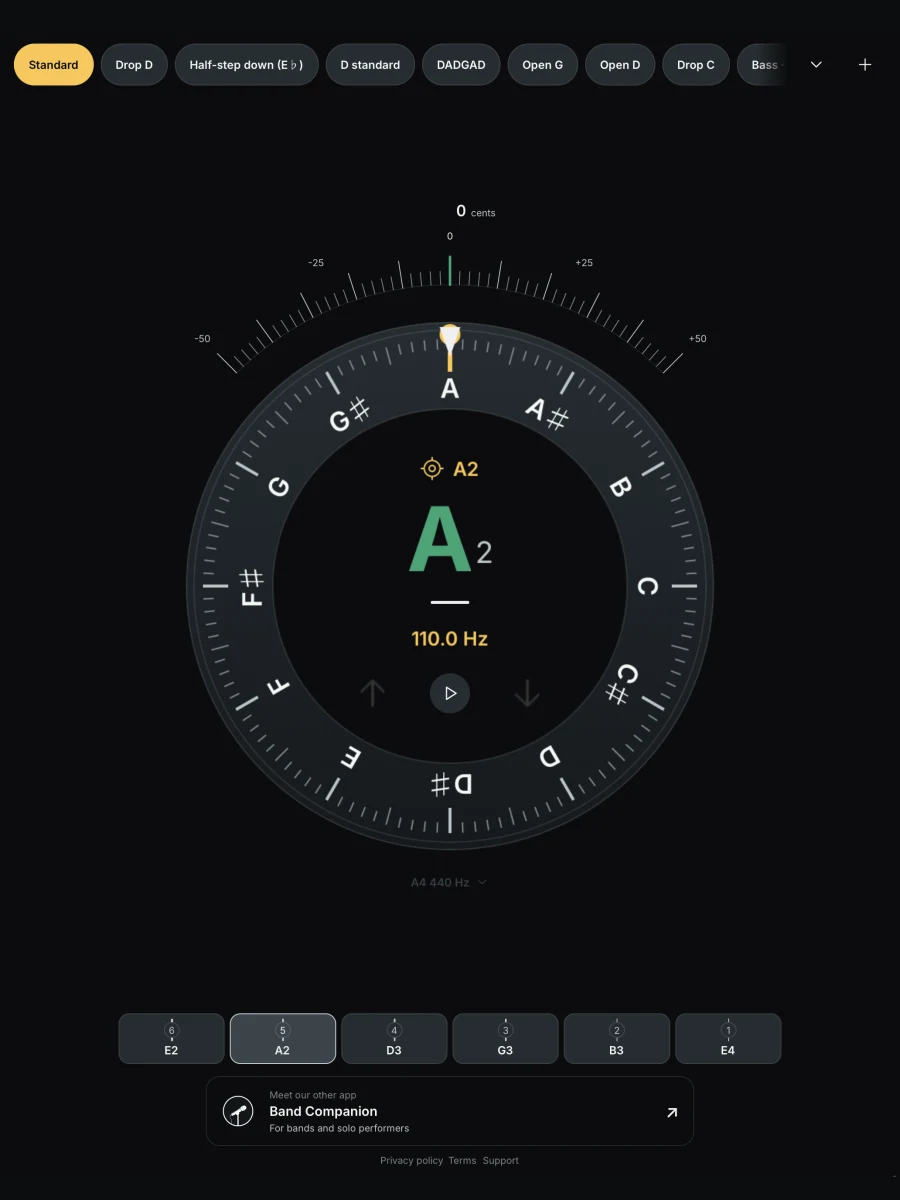
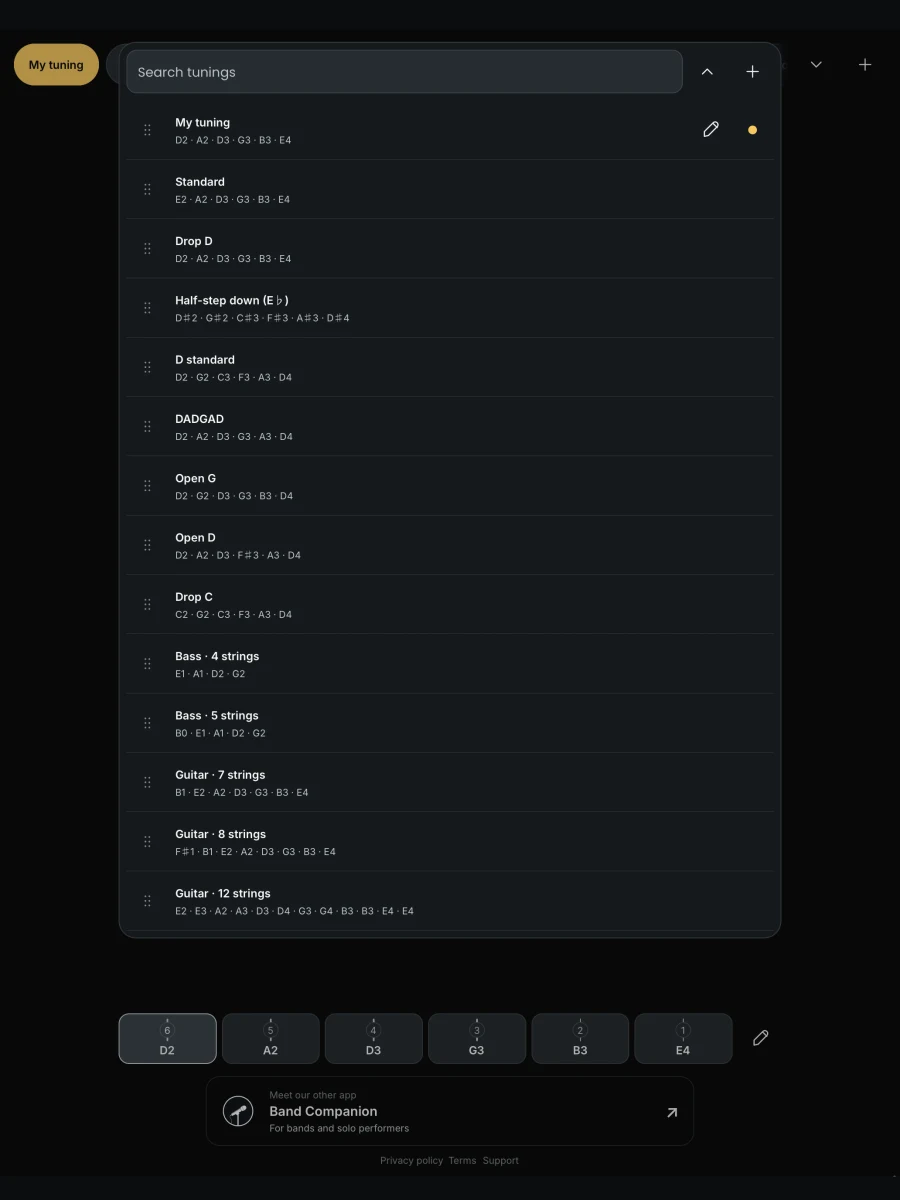
Keep Standard, Drop D, DADGAD and your other alternate tunings within reach. Guitar and bass presets show each string’s target note and octave, with your favourites first.
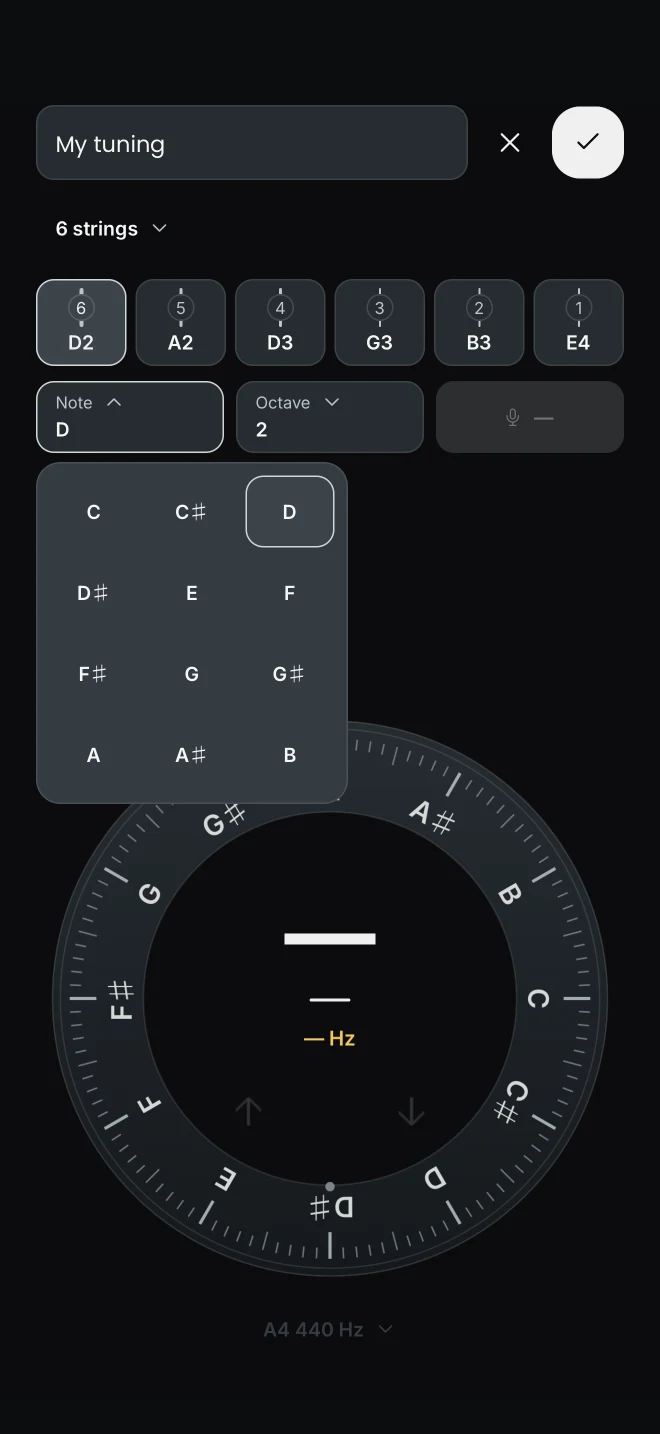
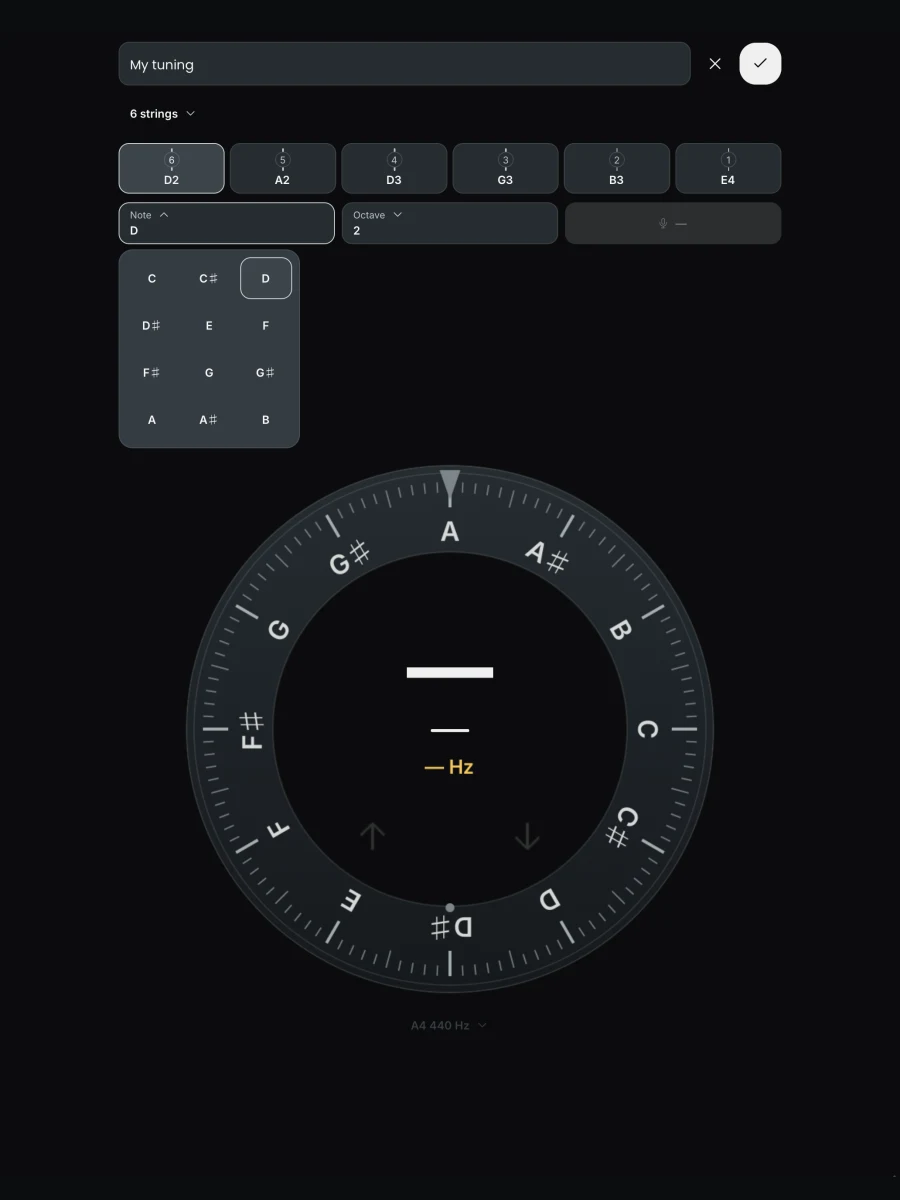
Build a custom tuning by choosing notes or playing each string into the microphone. Give it a name, then save it alongside your other presets. Find it with search and drag it to the top when it becomes a favourite.
Start a reference tone and hear the note shown on screen. Turn the wheel or choose a preset string to change the pitch. Set concert A to match the musicians you play with.
Inside Tuner
Your notes, string targets and saved tunings. Take a closer look.
Tuner in action
Watch a short walkthrough of tuning, creating a preset and putting it first in your collection.
Press play to watch the 30-second preview.
A few useful answers
A chromatic tuner recognizes all 12 notes in the octave, including sharps and flats. You can check the note you play directly, or select a preset when you want a particular string target.
Use chromatic mode for guitar, bass, ukulele, violin and other instruments that sustain a clear note. It identifies individual pitches without needing an instrument preset. Guitar and bass have built-in string presets; you can save your own for a different string setup.
Yes. Pitch detection, saved tunings and reference-tone playback work on your device without an internet connection. Opening store, support or legal links needs a connection.
Yes. Chromatic tuning, custom presets and reference tones are all included for free. There are no in-app purchases or subscriptions, and you can use Tuner without an account.
No. Your custom tunings, preset order and selected tuning are saved on this device. They are remembered when you reopen the app, but are not synced between devices. Deleting the app or clearing its data may remove them.
Use 440 Hz by default or choose 430–450 Hz in 1 Hz steps, including 432 Hz. Tap the A4 value below the tuning display to set the reference for pitch detection and tone playback.

Tuner by Band Companion
Get Tuner on your phone or tablet and keep your favourite tunings ready to use.