
Build your own song library
Keep lyrics, chords, cues, key, BPM, duration, status and reminders with every song you perform.
For solo performers and singers
When you perform solo, every detail is yours to carry. Band Companion keeps the running order, lyrics, timing, dates and backing tracks connected, so the setup is ready before you step up to play.
Get it on your phoneAvailable in English, Dutch, German, French and Spanish.
Built for a one-person setup
Prepare the moving parts beforehand, then open the song sheet and backing track that belong together.
Keep lyrics, chords, cues, key, BPM, duration, status and reminders with every song you perform.
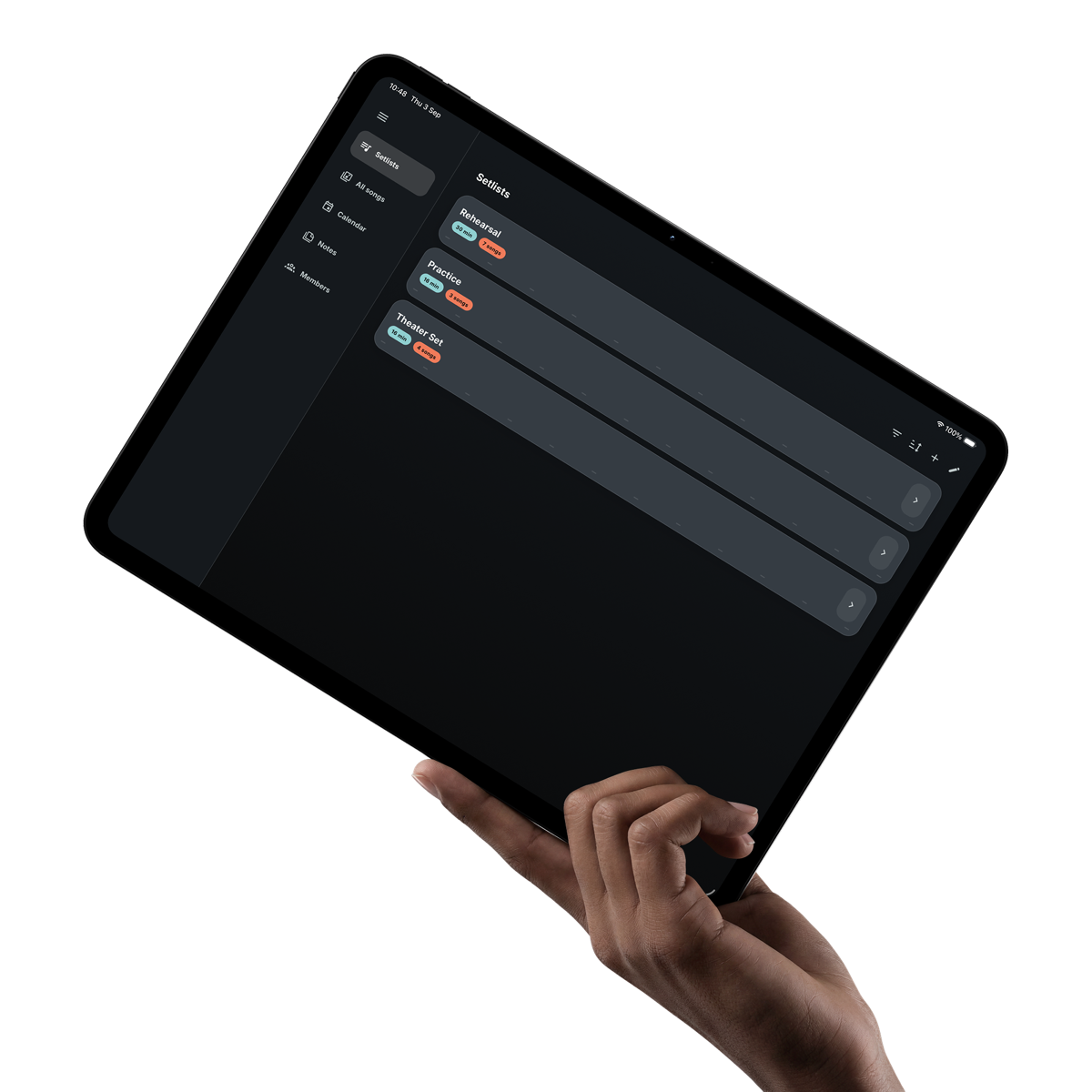
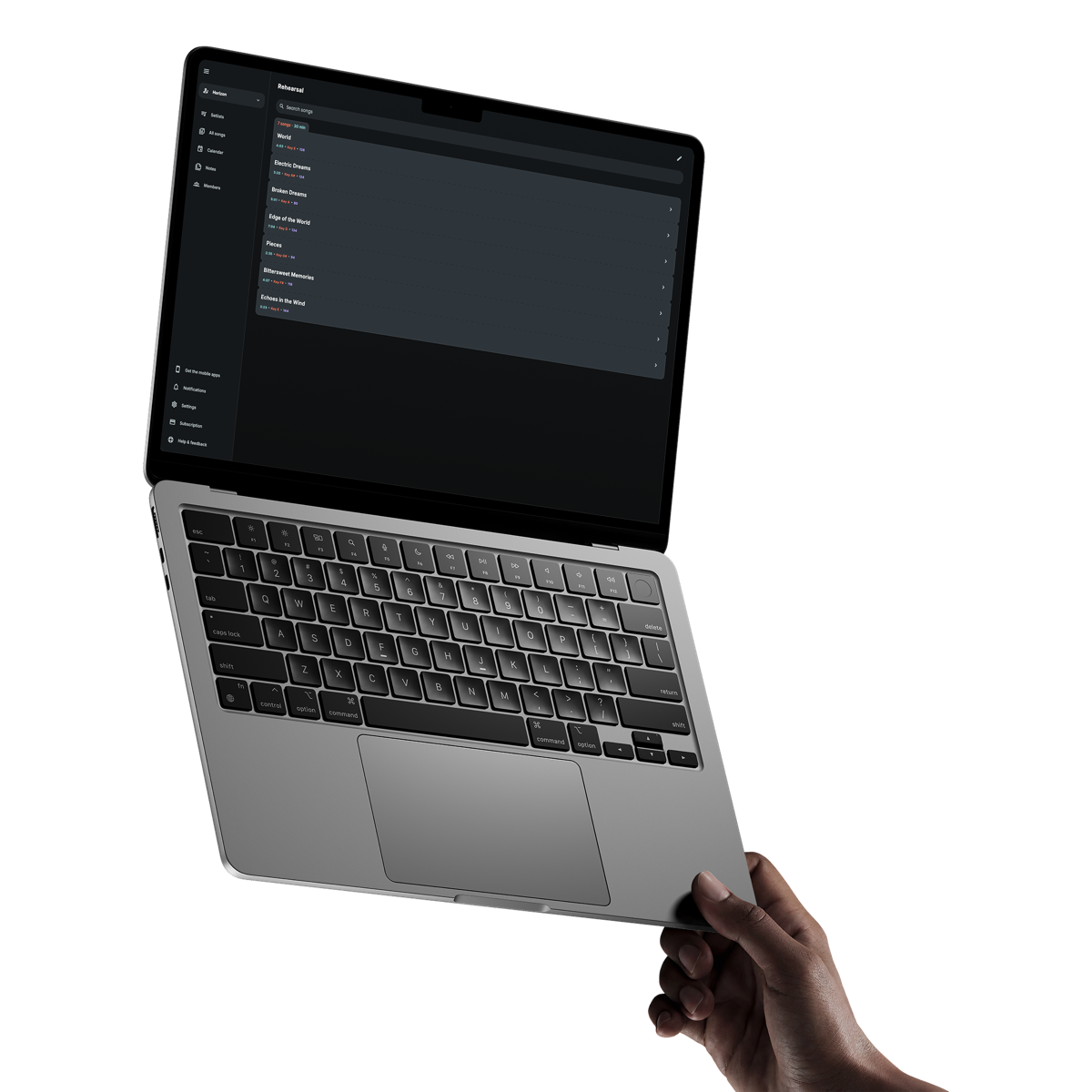
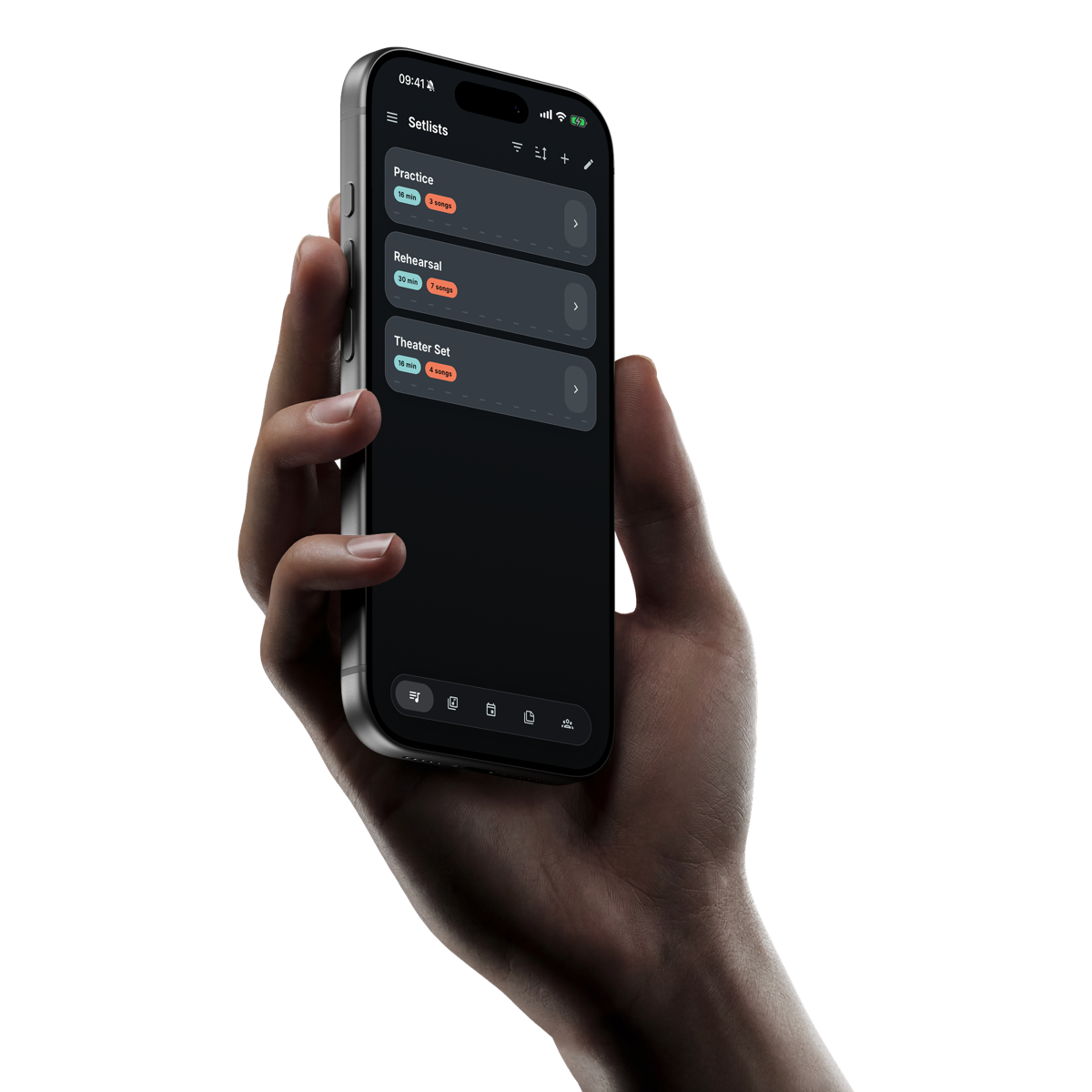
Reuse songs across different setlists, arrange the order and see the total playing time before you begin.
With Premium, attach an audio file to a song and control it beside the song sheet instead of from another app.
From song library to final track
The songs, date, running order and audio stay connected even when you are the only person operating them.
Give each song the lyrics, chords, cues, timing and details you want to see later.
Create the setlist and check whether its total duration fits the time available.
Save the time, reminders, details and links, then attach the setlist you plan to use.
With Premium on iOS or Android, download the available tracks in your setlist before leaving a reliable connection.
Use Band Companion for your own library, setlists, calendar, notes, song sheets and backing tracks.
Create another workspace when different acts or projects need their own songs, dates and information.
Share a link or code when a musical director, accompanist or other collaborator needs access to the same material.
Clear answers
What musicians usually want to know before getting started.
Yes. Solo performers can use the song library, setlists, calendar, notes, song sheets and backing tracks without adding other members.
Yes. Premium members can upload one MP3, M4A, AAC or WAV backing track of up to 50 MB per song.
Yes. On iOS and Android, Premium members can prepare the available backing tracks in a setlist for offline use.
Yes. The backing-track player appears with the song screen. Playback and automatic song-sheet scrolling remain separate so each can be controlled directly.